
A checkout you do not have to build
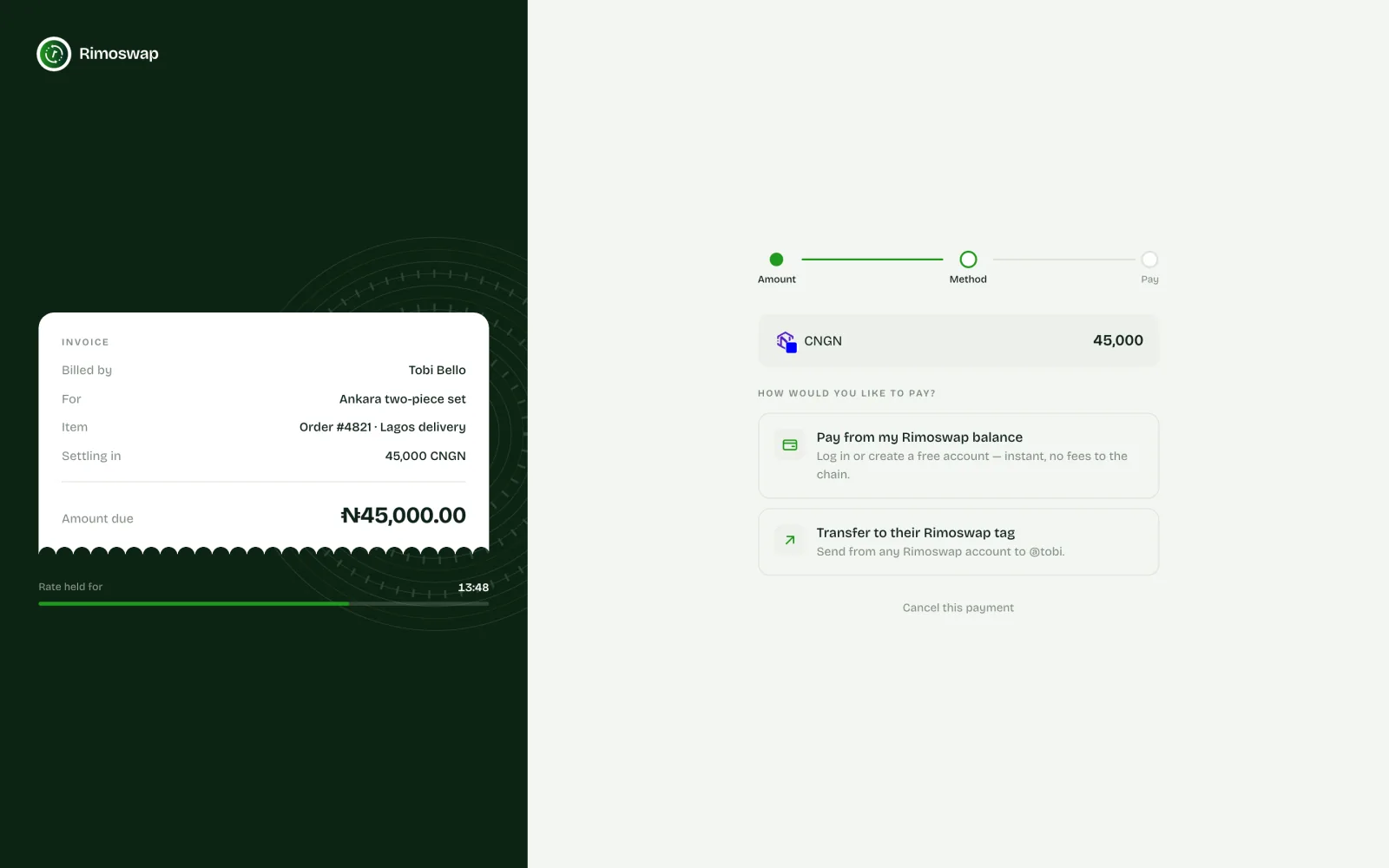
Customers leave the order page for a secure Rimoswap checkout, pay, then return to your store.
Install one lightweight plugin, connect your Rimoswap merchant key and let customers pay with Bitcoin, USDT, cNGN and every coin you enable.
Order total
₦48,500
Payment received
₦48,500
Payment rail
Store → Rimoswap → Confirmed
Built for real orders
Rimoswap handles payment collection while WooCommerce remains the source of truth for products, customers and fulfilment.
Customers leave the order page for a secure Rimoswap checkout, pay, then return to your store.
A verified payment moves the matching WooCommerce order from awaiting payment to processing.
Your API key remains in WordPress settings and signed webhooks are checked before an order changes.
Use the gateway with traditional WooCommerce checkout or the newer Checkout Block.
The plugin can re-check pending payments, so a brief callback failure does not strand a valid order.
Customers see supported assets and networks controlled from your Rimoswap gateway configuration.
Your store stays your store
The customer sees the amount, available payment methods and status clearly. WooCommerce keeps the order reference all the way through.
WooCommerce
Order #1042
From cart to confirmation
No one on your team needs to compare screenshots or manually mark routine payments.
At checkout, the customer selects Rimoswap and places the WooCommerce order.
The plugin sends the exact order amount and reference, then opens the hosted checkout.
They pay from a Rimoswap account or an enabled on-chain method without sharing wallet details with WordPress.
A signed confirmation is verified against the order amount, currency and reference before the order becomes processing.
Set up once
You need an active Rimoswap merchant account, WordPress and WooCommerce.
In WordPress, go to Plugins → Add New → Upload Plugin, select the downloaded ZIP and activate it.
Open WooCommerce → Settings → Payments → Rimoswap and paste your merchant API key.
Copy the webhook URL shown in the plugin settings into your Rimoswap merchant dashboard.
Turn the gateway on, save changes and place a small test order before taking live payments.
6.2+
WordPress
7.8+
WooCommerce
7.4+
PHP
USD · NGN
Store currency
Before you install
Not necessarily. Customers can pay from a Rimoswap account or use an enabled on-chain payment method shown at checkout.
Successful payments are credited to the Rimoswap merchant account connected with your API key. WooCommerce stores the order and payment reference, not the funds.
The hosted checkout shows the coins and networks currently enabled for your Rimoswap payment gateway.
The plugin uses the payment and order references to prevent a duplicate callback from completing an order twice.
Not in version 1.0.0. Process the refund from Rimoswap, then update the WooCommerce order according to your store policy.
Yes. The plugin supports both the block-based checkout and classic checkout.