
Rimoswap / Get paid
A quick link when it is simple. A proper invoice when it is not.
Request a fixed amount in seconds, or create an itemized invoice with customer details, a due date and payment terms. Both end in one clean Rimoswap checkout.
 cNGN⌄
cNGN⌄The useful parts
Built around what you came to do
No website needed
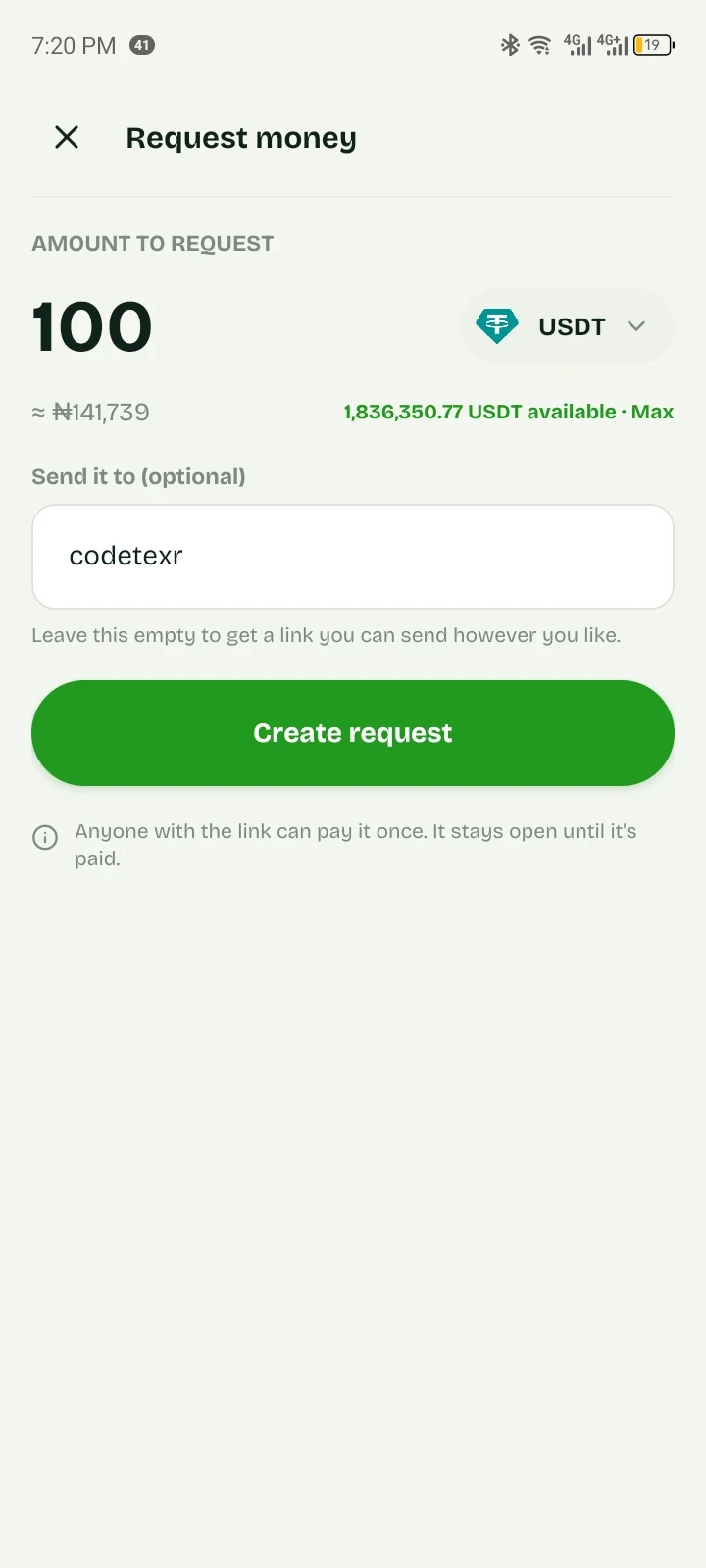
Create a link, send it however you already talk to customers. WhatsApp, Instagram, email, a printed QR code on the counter.
Feature 1Send a real invoice
Add the customer, line items, tax, discount, due date and payment terms. Rimoswap calculates the total and gives it a unique invoice number.
Feature 2You know when it lands
The payment credits your balance and you get an email receipt.
Feature 3Priced in naira
Ask for ₦25,000 and receive its value, whichever coin they choose to pay with.
Feature 4The product, not a mock-up
See what you’ll actually use
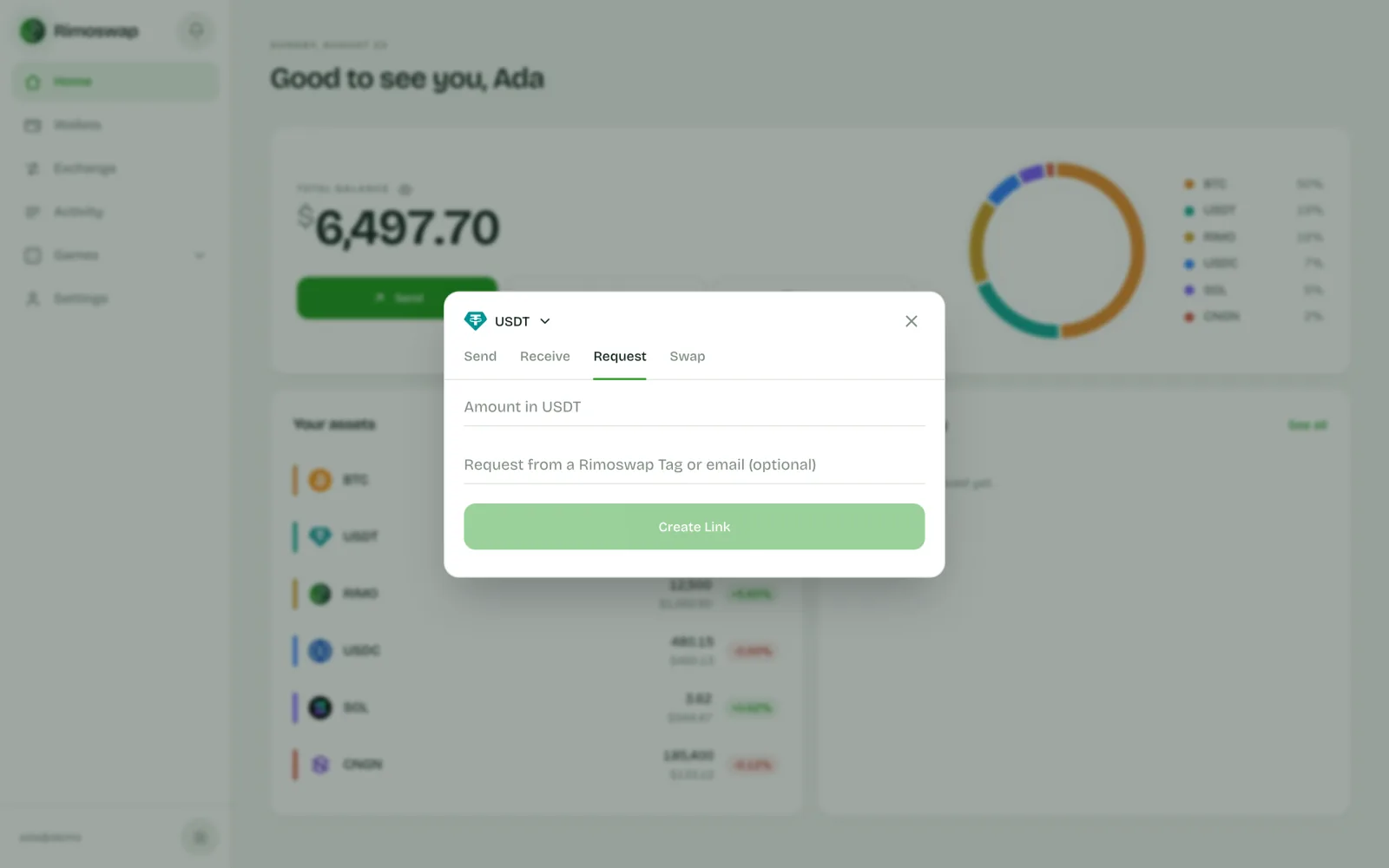
Create a link in seconds; this is what the person paying opens.
From start to done
Three steps. No detours.
- 01
Choose the format
Use Quick Link for one amount, or Invoice when the customer needs an itemized record.
- 02
Share it
Send the link or let Rimoswap email it directly to the customer.
- 03
Get paid
The customer pays through the same checkout, and the invoice marks itself paid.
Straight answers
Before you start
Does the person paying need an account?+
No. They can pay from any external wallet. If they do have a Rimoswap account, it settles instantly from their balance.
Can I use this for my business?+
Yes. Invoices suit client work and direct sales; quick links suit chats and social media. For checkout inside your own website or app, use the payment gateway.
What does it cost?+
Creating and sharing links is free. Any fee on a payment is shown before it is made, never taken quietly afterwards.
Ready when you are
Create an invoice
Free to open. Clear before you confirm.