

The short answer
When a TRON address receives its first on-chain deposit, TRON creates that account on its network. The sending wallet pays a one-time 1 TRX account activation fee, in addition to the normal bandwidth cost of the transaction. Rimoswap does not keep this charge.
Why does an address need activation?
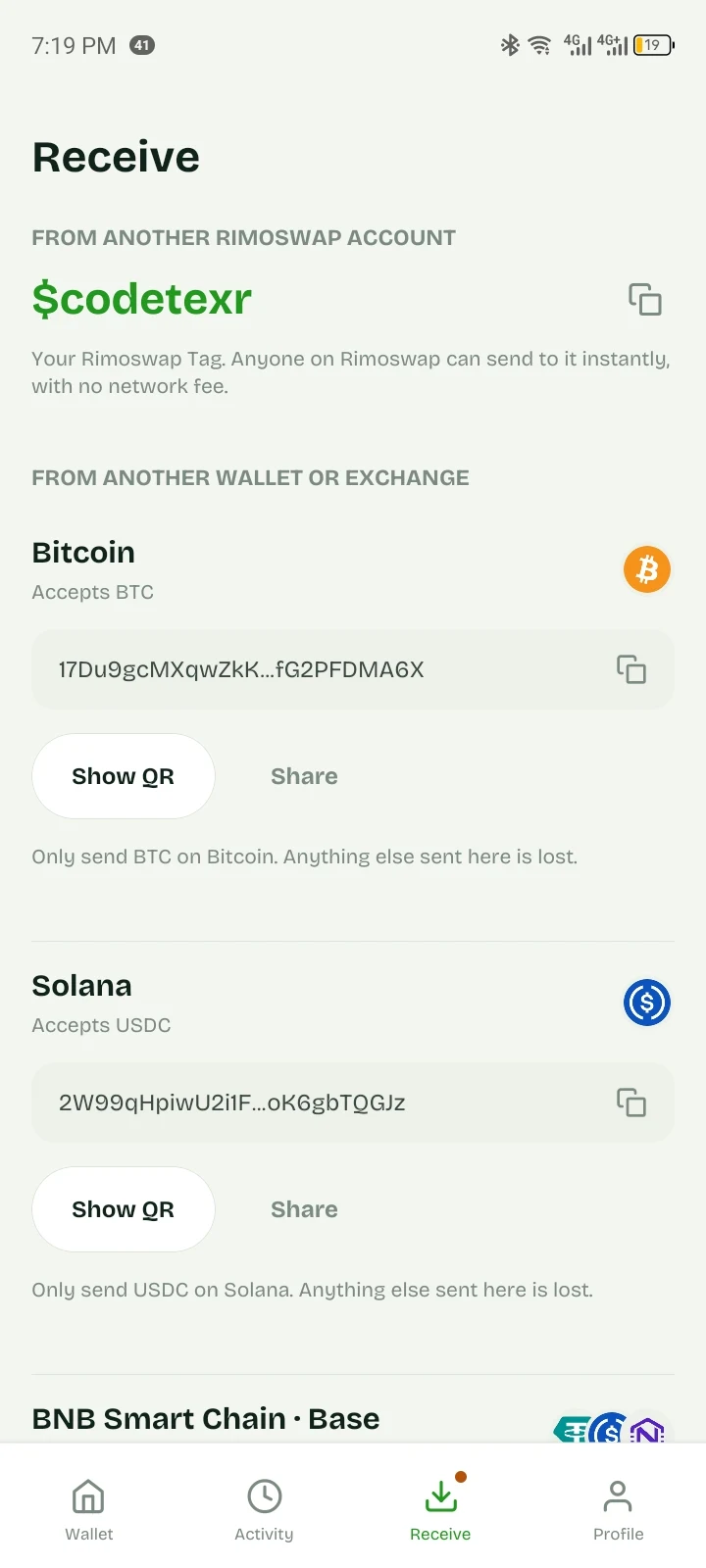
Rimoswap can generate your TRON address before it has ever appeared on-chain. Until someone sends TRX or a TRC-10 token to it—or activates it explicitly—the TRON network does not recognise it as an active account. The first qualifying transfer creates that on-chain record.
Who pays the 1 TRX?
The wallet making the first deposit pays it. If you send from an exchange or another wallet into your new Rimoswap TRON address, that sender may include the activation cost in its withdrawal fee. You do not pay the activation fee again on later deposits to the same address.
Example
Your first TRON deposit
- • You copy your permanent Rimoswap TRON address.
- • The sending wallet transfers funds to it for the first time.
- • TRON charges the sender the one-time activation fee and any normal transaction resource cost.
- • Your address is activated; future deposits do not incur that 1 TRX activation charge.
Is this a Rimoswap fee?
No. It is a TRON network rule. Network parameters can change through TRON governance, so Rimoswap checks the live network when calculating an on-chain transfer fee instead of hiding a fixed blockchain cost inside our own charge.
What should I do before my first deposit?
Check the withdrawal summary shown by the wallet or exchange you are sending from, use only the TRON network, and send a small test amount first. Never send a different network’s token to a TRON address.
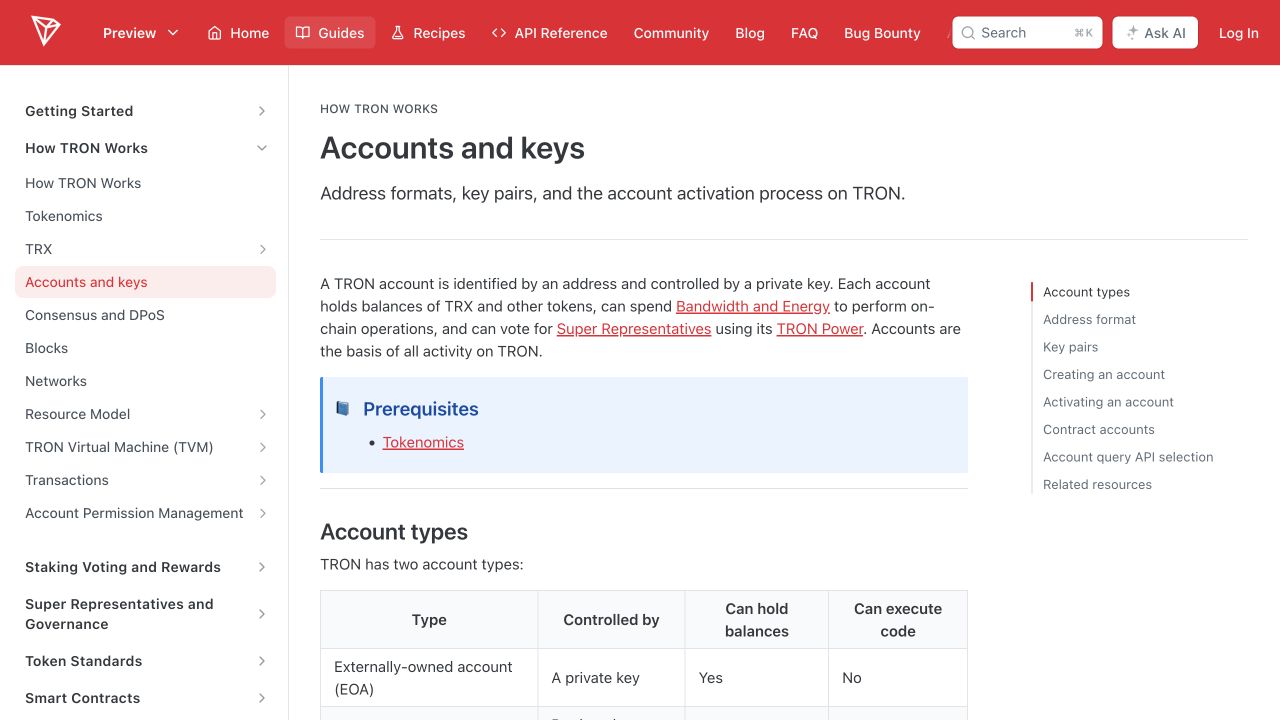
Source: TRON developer documentation: Accounts and keys. TRON currently documents a 1 TRX standard activation fee and a possible additional bandwidth charge when the sender lacks enough Bandwidth.